Capture higher-quality leads with Clicksite AI
A premium, production-grade form experience that seamlessly feeds your audience data into the Clicksite AI Lead Section. Beautiful, accessible, and built with a calm, evidence-driven aesthetic.
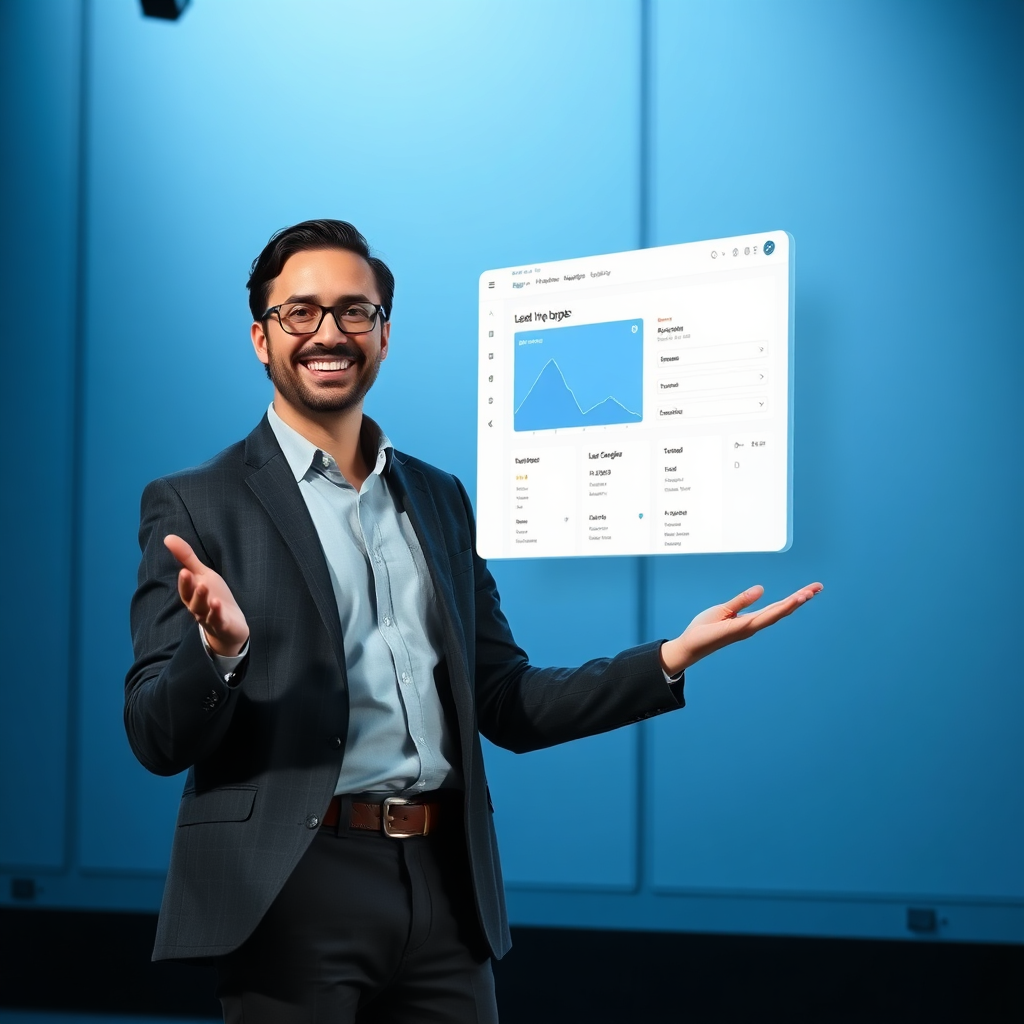
Lead capture that feeds Clicksite AI
A native integration mindset. Capture leads in real-time and push them into the Clicksite AI Lead Section. Clean, accessible forms with validation, delightful micro-interactions, and a transparent success flow.
- Real-time lead submission
- Inline validation and friendly errors
- Direct push to Clicksite AI Lead Section
Lead Inbox (Clicksite AI Lead Section)
Three simple steps to capture and nurture leads
Designed to feel premium, efficient, and trustworthy.
Connect
Seamless form embedding and native integration to Clicksite AI Lead Section.
Capture
Realtime validation and direct submission to your Lead Section.
Nurture
Automatic follow-ups and insights powered by Clicksite AI.
Trusted by teams building with confidence
A refined set of partners and customers who rely on Clicksite AI to capture, qualify, and nurture opportunities.
We saw a 38% uptick in qualified leads within the first quarter of deployment. The Lead Section is fast, transparent, and easy to audit.
FAQ
How does the lead data get into Clicksite AI Lead Section?
On submit, the form payload is sent to a native Clicksite AI integration hook if available. If not, it safely stores locally and shows the latest leads in the Lead Inbox. This ensures your data always ends in the Lead Section, ready for automation and nurturing.
Is this compliant with privacy regulations?
Yes. The page is designed with clear consent, auditable logs, and secure handling of personal data. You control fields and retention policies in your Clicksite AI instance.
Can I customize fields?
Absolutely. The form fields are data-driven. You can add, remove, or reorder fields within the Clicksite UI while keeping the same seamless UX.
By using this page you acknowledge it’s a premium demonstration of integrating native Lead capture with Clicksite AI Lead Section.